

MTK Driver Auto Installer helps you connect your MediaTek chipset-powered Xiaomi Device to a Windows Computer and is very useful during the Firmware Flashing process.
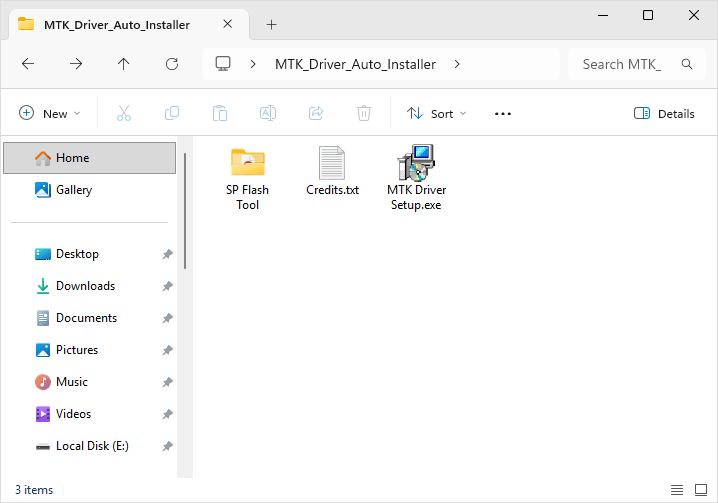
MTK Driver Auto Installer
The Mediatek Driver Auto Installer allows you to quickly install the original Mediatek Drivers, including CDC Driver and VCOM Driver, on the computer without facing any driver digital signature issues.
Driver Name: MTK_Driver_Auto_Installer_v5.1632.zip
Alternative Name: MTK Driver Auto Installer v5.1632
How to Install: Read Guidelines
Tool Size: 8.85 MB
How to Install MTK Driver Auto Installer
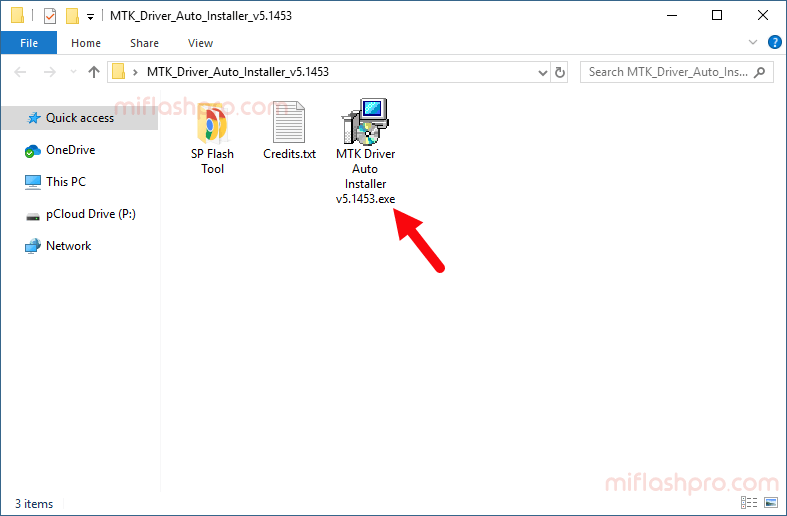
- Download and extract the MTK Driver Auto Installer on your computer. After extracting the package, you will be able to see the following files:
- Open the MTK-Driver-Setup.exe File. This will open the MTK Driver Setup on the computer.
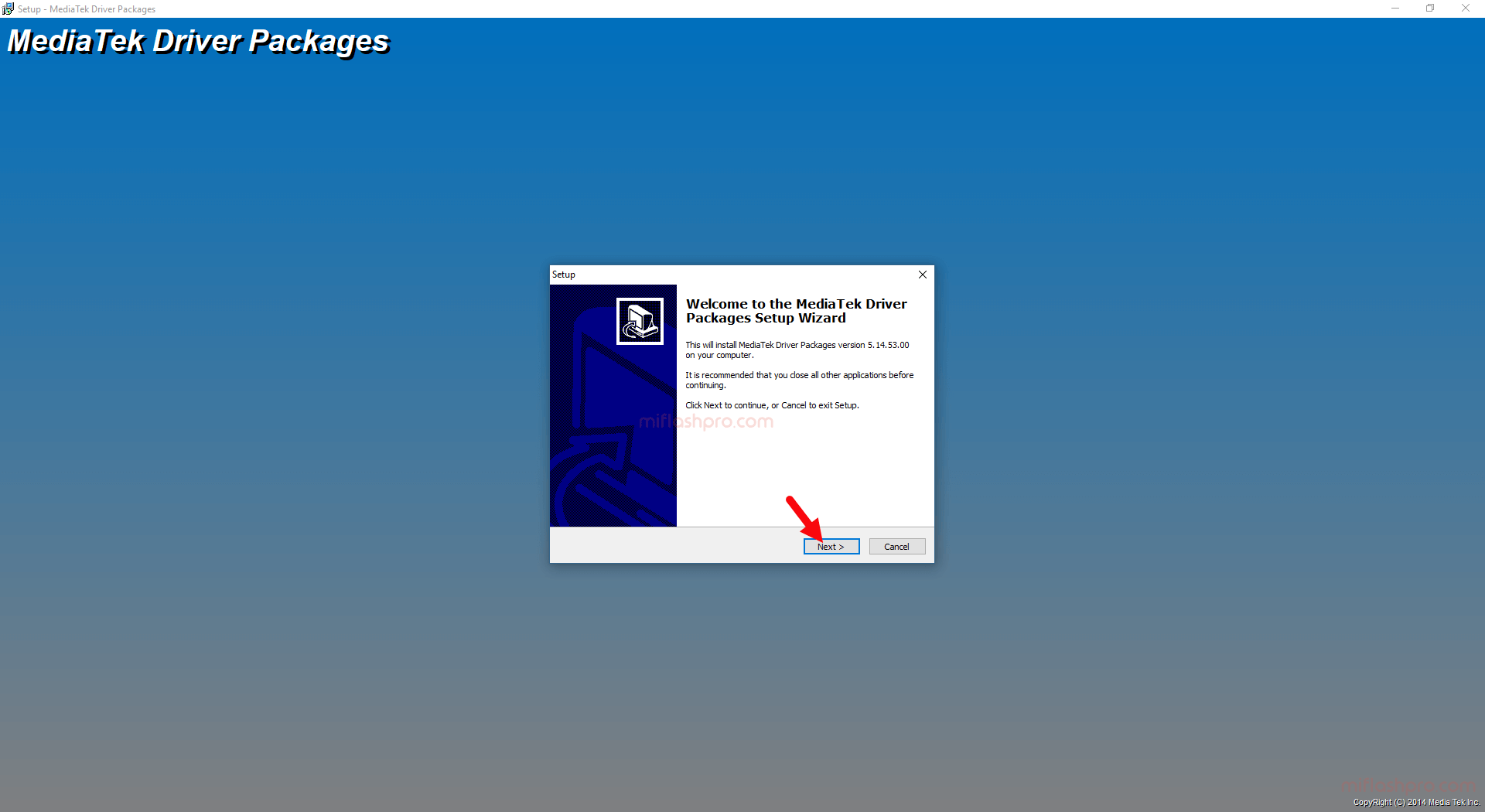
- Click on the Next Button.
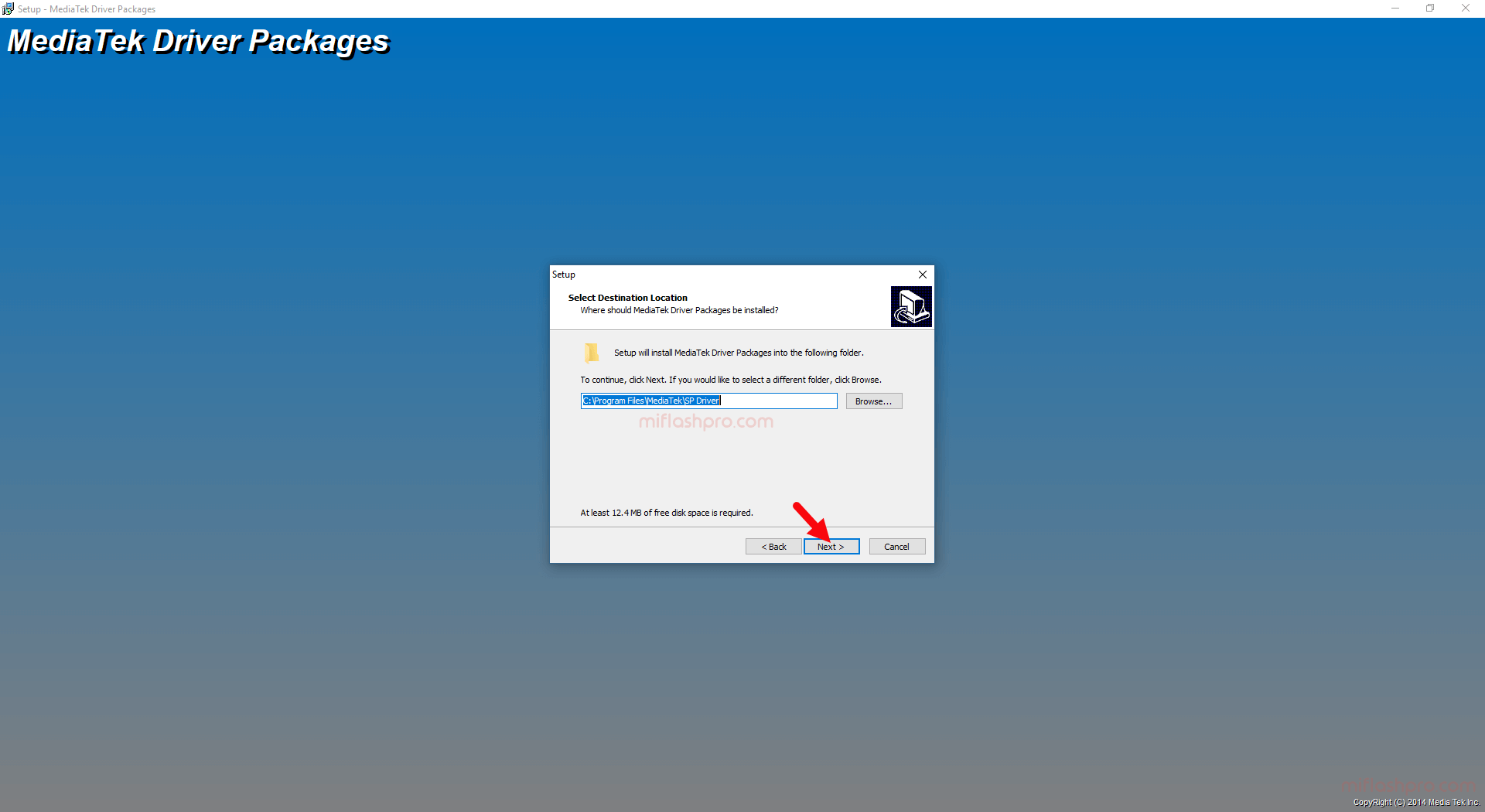
- Again click on the Next Button.
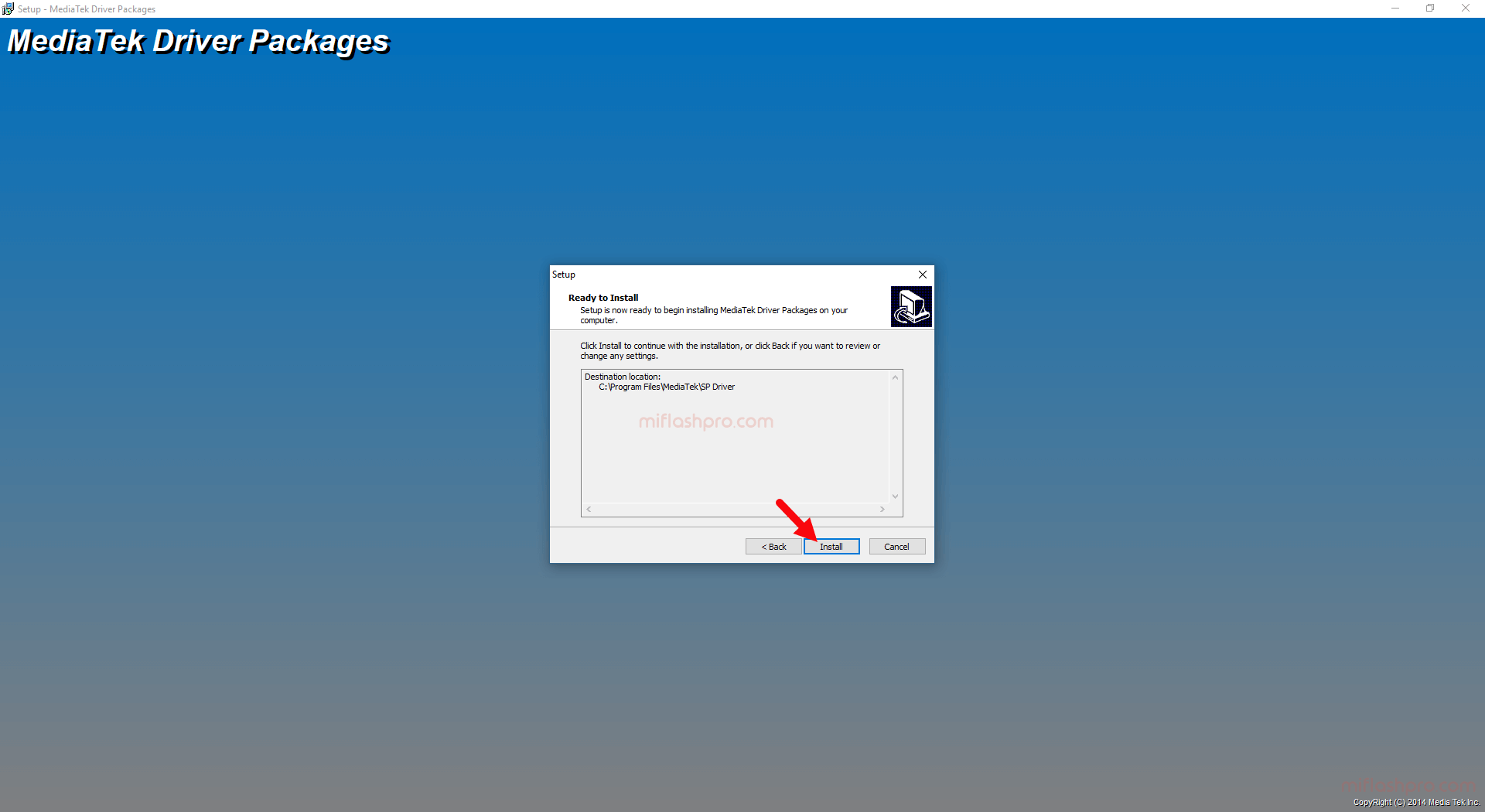
- Click on the Install Button to Begin the Installation.
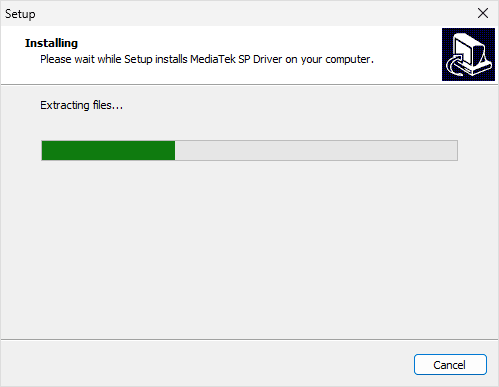
- Installation will begin and will take a few seconds to complete.
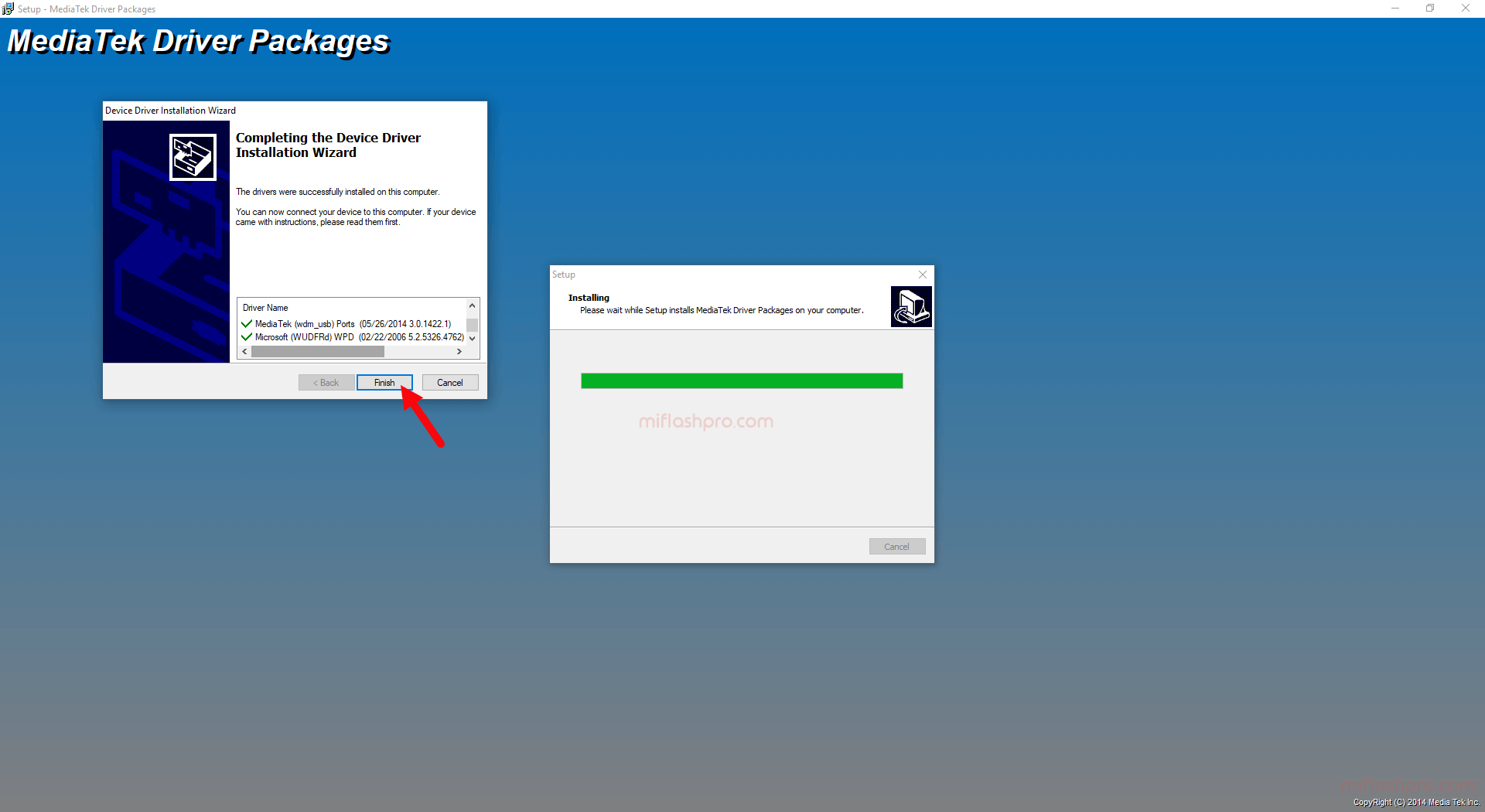
- Click on the Finish Button.
- Restart the Computer. After restarting the computer, connect your MediaTek chipset-powered Xiaomi Devices to the computer.
Readme Once:
[*] Latest Version: If you are looking for the latest version of MiFlash Pro, then head over to the English Section.
[*] Xiaomi Firmware: If you want to download the Stock Firmware for Xiaomi Devices, then head over to Xiaomi Firmware.
[*] Xiaomi Flash Tool: If you want to download the Flash Tool for Xiaomi Devices, then head over to the Xiaomi Flash Tool page.
